
Digitalize your reports without changing your whole organisation
A gradual method for testing a new reporting workflow without immediately replacing your planning, billing, or accounting tools.
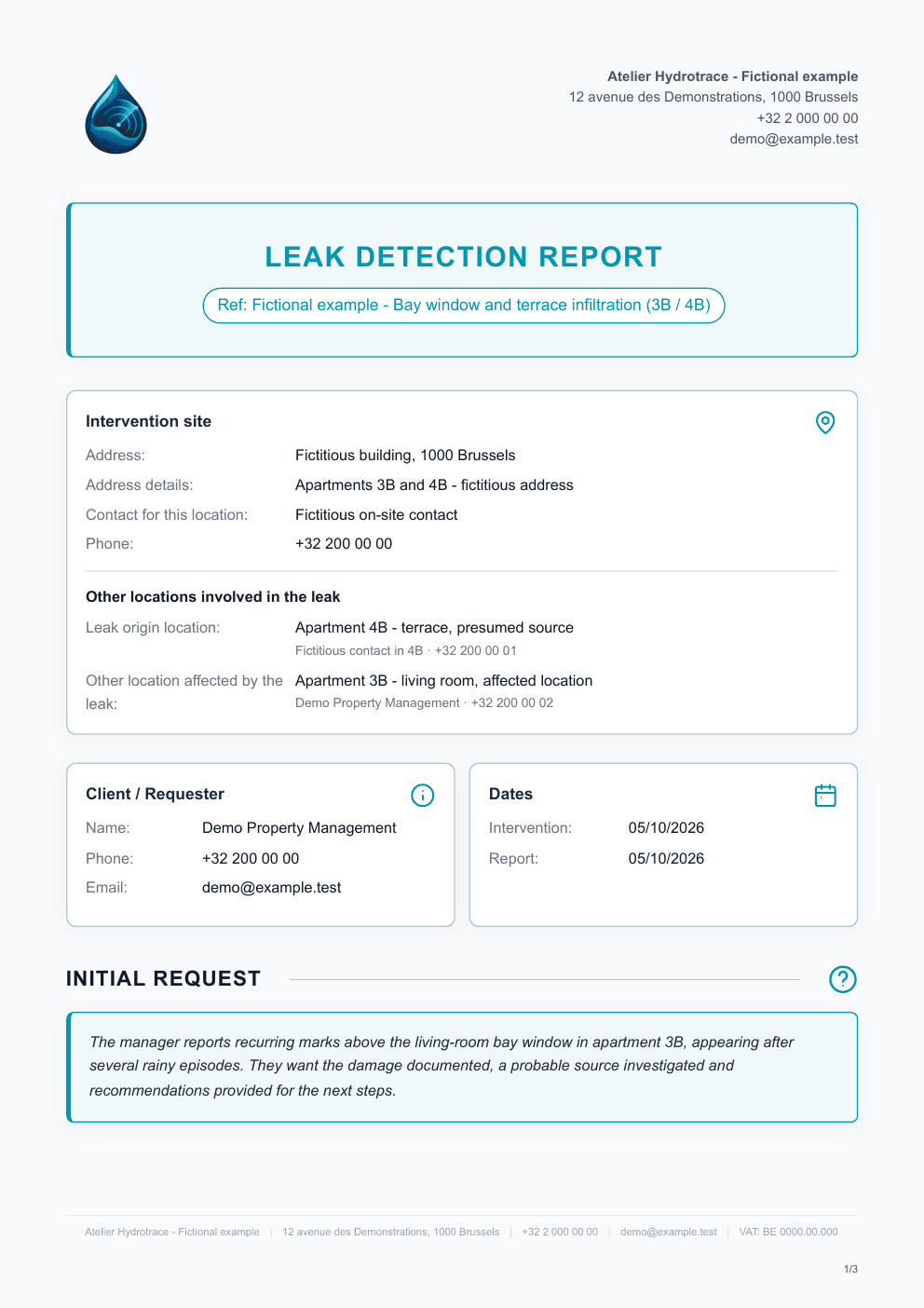
Digitalizing reports does not necessarily mean moving the whole company to a new ecosystem.
If your planning, billing, and accounting already work, the first question is simpler: where are you actually losing time today?
1. Measure the current workflow
Take five recent reports and record the time spent on:
- entering information;
- transferring photos;
- writing;
- formatting;
- corrections;
- PDF export;
- sending;
- finding the case again when a client calls.
This gives you a baseline for comparison.
2. Choose one problem to solve
If the main friction is report creation, do not immediately change planning and billing.
Test a tool only on that step.
The appointment can stay in the existing calendar.
The invoice can stay in the existing software.
The report uses the new workflow.
3. Run a pilot on representative cases
Avoid testing only the simplest case.
For example, choose:
- a short report;
- a case with many photos;
- a case involving several locations;
- a report with two visits;
- a report requiring a detailed conclusion.
After 5 to 10 interventions, the benefits and irritations become much easier to see.
4. Measure what actually changed
A very simple grid is enough:
| Measure | Before | After |
|---|---|---|
| Time spent on the report in the field | ||
| Finishing time at the office | ||
| Time spent sorting photos | ||
| Corrections before sending | ||
| Time to find an old case |
Add one qualitative question: does the technician want to keep using this workflow?
A solution that saves ten minutes but frustrates the whole team can still fail despite its theoretical gain.
5. Expand the change only if it adds value
Once the reporting workflow is stable, decide whether other functions are worth integrating.
This is not an “anti all-in-one” position. A more integrated organisation may become relevant later.
The idea is simply to avoid migrating five tools to solve one problem.
Where Untopo fits
Untopo can be adopted directly for the reporting part: findings, photos, dictation, conclusion, PDF generation, history, and sending.
The company can keep its other tools during this phase.
If the product later expands into other functions, they should remain workflow improvements rather than a prerequisite for creating a first report.
See the comparison between Word, PDF, and specialised software when it is published.
CTA: Try Untopo without changing the rest of your organisation